
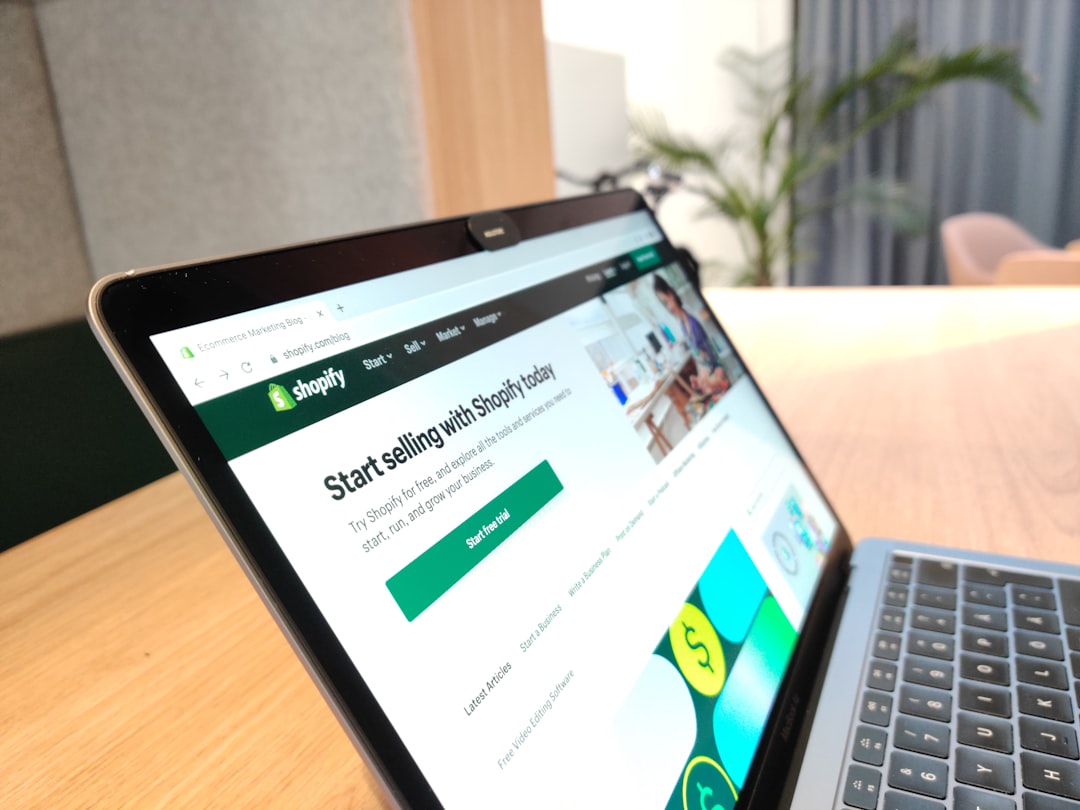
Why a Coming Soon Page Is Your Secret Pre-Launch Weapon
Most new store owners make the same mistake: they spend weeks building their Shopify store in complete silence, then hit publish and wonder why nobody shows up. A coming soon page flips that script entirely. Instead of launching into a void, you launch into an audience that's already waiting for you.
A coming soon page is a simple, single-page placeholder that tells visitors your store is on its way — and invites them to sign up for updates. It's one of the smartest moves you can make as a beginner because it lets you start building momentum before a single product goes live. Even a modest email list of 50 to 100 subscribers can generate real sales on day one.
How to Enable the Coming Soon Page in Shopify
Shopify makes this surprisingly easy. Here's how to turn it on in just a few minutes:
- Log in to your Shopify admin dashboard.
- Go to Online Store → Preferences.
- Scroll down to the Password protection section.
- Check the box that says Enable password.
- Set a password (this is for your eyes only — visitors won't need it).
- Add a custom message in the text box. This is what visitors will see, so make it count.
- Click Save.
Once this is enabled, anyone who visits your store URL will see a clean password-protected page with your message and a built-in email signup form. Shopify automatically collects those email addresses in your customer list under the "Accepts email marketing" filter — easy to access when you're ready to launch.
Writing a Coming Soon Message That Actually Gets Sign-Ups
The default Shopify coming soon message is bland. You can do much better with a few simple tweaks. Your message only needs to do three things: explain what's coming, create a little excitement, and give people a reason to sign up.
Keep it clear and specific
Instead of writing "Coming soon," try something like: "Handmade skincare products crafted from natural ingredients — launching this September." Specificity builds trust and curiosity at the same time.
Offer an incentive to sign up
Give visitors a reason to hand over their email. Common incentives that work well include:
- Early access or first dibs on new products
- A launch discount (e.g., "Get 15% off when we open")
- A freebie like a guide, checklist, or sample offer
- Exclusive behind-the-scenes updates
Add a sense of urgency or exclusivity
Phrases like "Join the waitlist" or "Be the first to know" work better than a simple "Subscribe." They frame the sign-up as an opportunity rather than just another newsletter.
Upgrading Your Coming Soon Page With a Shopify App
The built-in Shopify password page works, but it's quite limited in terms of design and features. If you want a more polished, high-converting page, consider using a dedicated app from the Shopify App Store.
Apps like Countdown Timer Bar, Privy, or Coming Soon Page & Maintenance let you add countdown timers, custom branding, social media links, and more advanced email capture forms. A countdown timer in particular is a powerful trust signal — it shows visitors that launch day is real and coming fast.
Look for apps with strong reviews, a free plan or trial, and simple setup instructions. Most beginner-friendly options can be up and running in under 30 minutes.
Ready to start your Shopify store? Get 3 days free + 3 months for $1/month, plus a complete first-sales training — 100% free.
Start now — free training included3 days free · 3 months for $1/mo · Training included
How to Grow Your Email List Before Launch Day
Having a coming soon page is step one. Actually driving traffic to it is where most beginners get stuck. Here are practical ways to start collecting emails before you open your store:
Promote on social media
Create a business profile on Instagram, TikTok, or Pinterest — wherever your target customers hang out. Share sneak peeks of your products, behind-the-scenes content, or your brand story. Always include your store URL in your bio with a clear call to action like "Join the waitlist."
Post in niche communities
Find Reddit threads, Facebook Groups, or forums related to your niche. Engage genuinely, answer questions, and mention your upcoming store when it's relevant. Don't spam — just show up as a real person who's building something people in that community will care about.
Tell your personal network
Don't underestimate word of mouth. Send a message to friends, family, and colleagues. Ask them to share your link. A small ripple from your immediate network can reach people you'd never find through ads.
Run a simple giveaway
A pre-launch giveaway is one of the fastest ways to grow a list. Offer a free product or a store credit as the prize, and make email sign-up the entry requirement. Use a free tool like Gleam or KingSumo to manage entries and amplify sharing.
What to Do With Your Email List When You Launch
All that pre-launch effort pays off the moment you're ready to go live. Send a launch announcement email to everyone on your list — keep it warm, personal, and exciting. Include your launch offer if you promised one, a clear button to shop now, and a short note about what makes your store special.
Don't stop at one email. A simple three-part launch sequence works well: a teaser a few days before, the official launch day email, and a follow-up reminder 48 hours later for people who didn't open the first one. Email marketing consistently outperforms social media for direct sales, so this list you've been building is genuinely valuable.
The work you put in before launch day sets the tone for everything that follows. A coming soon page isn't just a placeholder — it's the foundation of your first real marketing asset.
Ready to start your Shopify store? Get 3 days free + 3 months for $1/month, plus a complete first-sales training — 100% free.
Start now — free training included3 days free · 3 months for $1/mo · Training included
Frequently Asked Questions
- Can I customize the Shopify coming soon page without an app?
- Yes, you can edit the message and basic text directly in Shopify under Online Store → Preferences → Password protection. For more advanced design changes, you would need to edit the theme code or use a third-party app.
- How long should I keep my coming soon page up before launching?
- Anywhere from two to six weeks is a reasonable window for most beginners. This gives you enough time to build a small email list and create some social media buzz without losing momentum or making visitors wait too long.
- Where do I find the emails collected through my Shopify coming soon page?
- Shopify saves them in your customer list. Go to Customers in your admin dashboard and filter by "Email subscribers" or "Accepts email marketing" to find everyone who signed up through your password page.
