
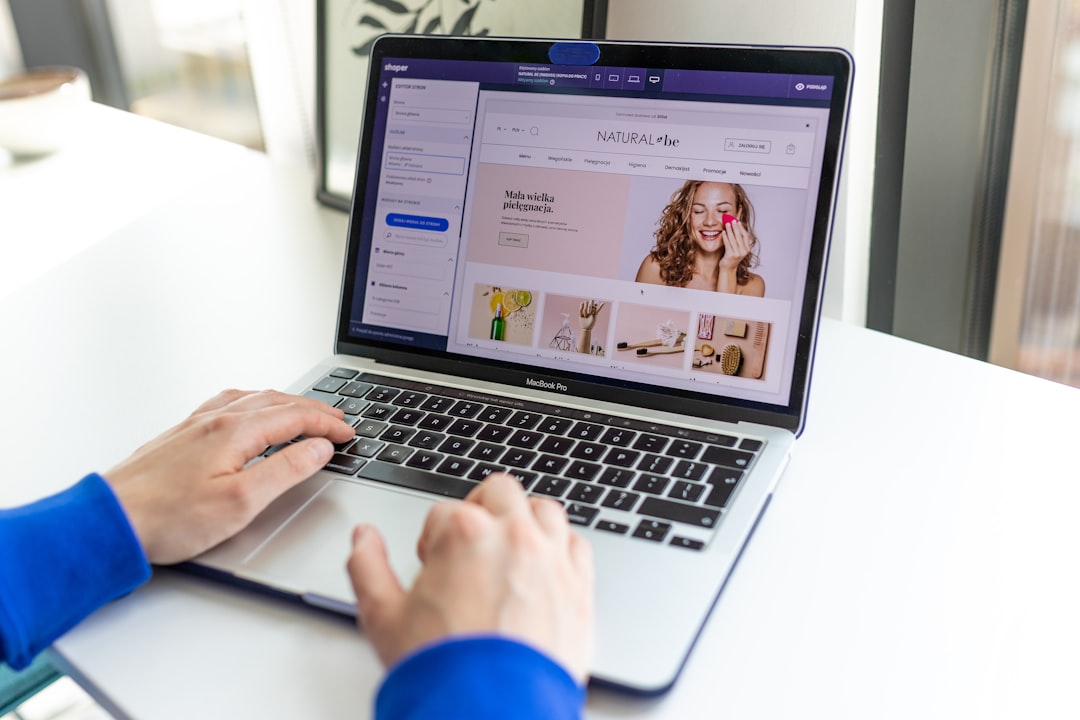
Why Your Shopify Homepage Matters More Than You Think
Your homepage is the digital front door of your store. It's often the first thing a visitor sees, and you have just a few seconds to make a strong impression. A well-designed Shopify homepage builds trust, guides shoppers toward your best products, and ultimately drives more sales. The good news? You don't need to be a designer or developer to get it right.
In this guide, we'll walk you through the essential layout tips and beginner-friendly strategies to create a homepage that actually converts visitors into customers.
Start With a Clear and Compelling Hero Section
The hero section is the large banner at the very top of your homepage — and it's prime real estate. This is where you make your first impression, so every element counts.
- Use a strong headline: Communicate your core value proposition in one short sentence. For example, "Premium Skincare, Delivered to Your Door."
- Add a clear call-to-action button: Use action-driven text like "Shop Now," "Explore the Collection," or "Get Yours Today."
- Choose high-quality visuals: Use crisp, professional images or videos that reflect your brand. Blurry or generic stock photos hurt credibility.
- Keep it simple: Avoid cluttering the hero with too much text or multiple competing buttons.
Think of your hero section as a billboard. It should instantly communicate who you are and what you offer — with zero confusion.
Highlight Your Best-Selling Products Early
Don't make visitors hunt for your products. Place a featured products section directly below the hero to showcase your top sellers or newest arrivals. This keeps shoppers engaged and moves them further down the buying journey.
Most Shopify themes include a built-in "Featured Collection" or "Product Grid" section that you can easily customize in the theme editor. Aim to display between 3 and 8 products — enough to offer variety without overwhelming the visitor.
Tips for Choosing Which Products to Feature
- Pick your highest-rated or best-reviewed items
- Highlight products with the best profit margins
- Feature seasonal or trending items when relevant
- Showcase products that represent your brand identity best
Adding product titles, prices, and a short description or badge (like "Best Seller" or "New Arrival") can significantly boost click-through rates from the homepage.
Build Trust With Social Proof and Brand Story
First-time visitors don't know you yet — so you need to earn their trust quickly. Social proof is one of the most powerful ways to do this. Consider including the following elements on your homepage:
- Customer reviews or testimonials: Even 2–3 short quotes from happy customers can make a big difference.
- Star ratings: Display average ratings from real buyers to signal credibility.
- Press mentions or media logos: If your brand has been featured anywhere, show it off.
- A short "About Us" snippet: A 2–3 sentence brand story helps humanize your business and creates an emotional connection.
You don't need hundreds of reviews to start. Even a handful of genuine testimonials placed strategically on your homepage can dramatically improve conversion rates for new visitors.
Ready to start your Shopify store? Get 3 days free + 3 months for $1/month, plus a complete first-sales training — 100% free.
Start now — free training included3 days free · 3 months for $1/mo · Training included
Use a Clean, Scannable Layout That Guides the Eye
Most visitors don't read every word on your page — they scan. Your layout needs to guide their eyes naturally from the top of the page to the bottom, nudging them toward a purchase at every step.
Layout Best Practices for Beginners
- Use white space generously: Crowded pages feel overwhelming. Give each section room to breathe.
- Stick to a consistent color palette: Use 2–3 brand colors throughout for a polished, professional look.
- Make fonts readable: Choose clean, easy-to-read fonts and keep body text at least 16px in size.
- Keep navigation simple: A clear menu with no more than 5–6 top-level items helps visitors find what they need fast.
Shopify's free and premium themes are already built with clean layouts in mind, so you're starting from a solid foundation. Focus your energy on customizing content and messaging rather than reinventing the design.
Don't Forget Mobile Optimization
More than half of all ecommerce traffic now comes from mobile devices. If your homepage looks great on a desktop but falls apart on a phone, you're losing a massive chunk of potential customers.
Fortunately, all official Shopify themes are mobile-responsive by default. But you should still preview your homepage on a mobile device regularly. Check that your hero image isn't cropped awkwardly, your buttons are large enough to tap easily, and your text isn't too small to read without zooming in.
A simple rule: if navigating your homepage on a phone feels frustrating, your customers will feel the same way — and they'll leave.
Final Layout Checklist Before You Go Live
Before publishing your homepage, run through this quick checklist to make sure everything is in place:
- ✅ Hero section with a clear headline and CTA button
- ✅ Featured products section with quality images and prices
- ✅ At least one trust-building element (reviews, testimonials, or badges)
- ✅ Consistent branding (colors, fonts, tone of voice)
- ✅ Mobile-friendly layout tested on a real device
- ✅ Fast loading speed (compress large images before uploading)
- ✅ Clear navigation menu with logical categories
A high-converting Shopify homepage doesn't have to be complicated. Focus on clarity, trust, and guiding your visitor toward the next step — and you'll be well ahead of most beginners starting out.
Ready to start your Shopify store? Get 3 days free + 3 months for $1/month, plus a complete first-sales training — 100% free.
Start now — free training included3 days free · 3 months for $1/mo · Training included
Frequently Asked Questions
- What should be on a Shopify homepage for beginners?
- A beginner's Shopify homepage should include a clear hero banner, a featured products section, social proof like reviews or testimonials, and simple navigation. Keep the design clean and focused on guiding visitors toward a purchase.
- How many products should I show on my Shopify homepage?
- Displaying between 3 and 8 products in your featured section is a good starting point. Too few limits discovery, while too many can overwhelm visitors and reduce clicks on any individual item.
- Does my Shopify homepage need to be mobile-friendly?
- Absolutely. Over half of online shoppers browse on mobile devices. All official Shopify themes are mobile-responsive, but you should always preview and test your homepage on a smartphone to ensure buttons, text, and images display correctly.
