
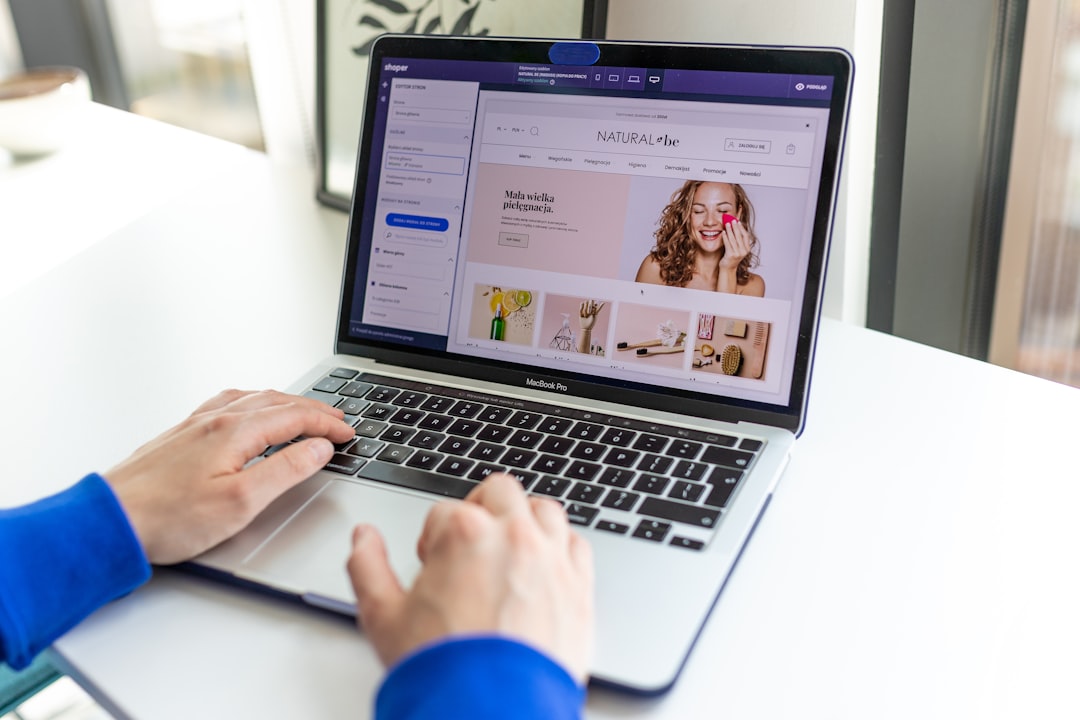
What Is Shopify Print-on-Demand and Why Use Printful?
If you've ever wanted to sell custom T-shirts, mugs, or hoodies online without holding any inventory, print-on-demand (POD) is the business model for you. With print-on-demand, products are only created when a customer places an order. That means zero upfront costs, no warehouse needed, and no risk of unsold stock sitting in your garage.
Shopify is one of the most beginner-friendly e-commerce platforms in the world, and Printful is one of the top print-on-demand suppliers that integrates seamlessly with it. Together, they form a powerful duo that lets you launch a fully functional online store — even if you've never sold anything online before.
In 2026, both platforms have only gotten better. Printful now offers faster fulfillment times, more product options, and smarter design tools. Whether you want to build a side hustle or a full-time business, this combination is worth exploring.
Setting Up Your Shopify Store for Print-on-Demand
Before you can connect Printful, you need a live Shopify store. Here's how to get started quickly:
- Create a Shopify account: Head to Shopify's website and sign up for a free trial. You'll be guided through the basic setup process.
- Choose a theme: Pick a clean, responsive theme from the Shopify Theme Store. Free themes like Dawn work great for beginners.
- Set up your store basics: Add your store name, logo, and basic pages like About, Contact, and a Refund Policy.
- Configure payments and shipping: Connect Shopify Payments or PayPal so you can actually accept money from customers.
Don't worry about making everything perfect right away. You can always come back and refine your store design as you grow. The most important thing is getting it live so you can start connecting your tools and adding products.
How to Connect Printful to Your Shopify Store
Once your Shopify store is ready, connecting Printful is surprisingly straightforward. Follow these steps:
- Create a free Printful account at printful.com if you haven't already.
- Go to the Shopify App Store and search for "Printful." Click "Add app" and follow the prompts to install it.
- Authorize the connection between Printful and your Shopify store. This gives Printful permission to sync products and automatically fulfill orders.
- Set up your billing on Printful so that when a customer orders, Printful can charge you for production and shipping before sending the item.
Once the integration is live, everything runs on autopilot. When a customer buys from your store, Printful receives the order automatically, prints the item, and ships it directly to the customer — all without you lifting a finger.
Creating and Publishing Your First Product
Now for the fun part — designing your products. Inside the Printful dashboard, you can create products using their built-in design tool. Here's a quick walkthrough:
- Choose a product: Browse Printful's catalog. Start simple — a classic unisex T-shirt or a tote bag are great beginner choices.
- Upload your design: Use a PNG file with a transparent background for the best results. Tools like Canva or Adobe Express work great for creating designs.
- Set your retail price: Printful shows you the base cost (what they charge you). Set your selling price higher to earn a profit margin.
- Push to Shopify: Once you're happy with your product, click "Submit to Store" and it will automatically appear in your Shopify catalog.
Aim to launch with at least 5–10 products to give customers a real sense of your brand. You can always add more as you learn what sells.
Ready to start your Shopify store? Get 3 days free + 3 months for $1/month, plus a complete first-sales training — 100% free.
Start now — free training included3 days free · 3 months for $1/mo · Training included
How to Drive Traffic and Make Your First Sales
Having a store is just the beginning. You also need people to actually visit it. Here are some beginner-friendly strategies to get your first sales:
Social Media Marketing
Instagram, TikTok, and Pinterest are ideal platforms for visual products like apparel and accessories. Post consistently, use relevant hashtags, and show your products being worn or used in real life. Short-form video content tends to get organic reach faster than static posts in 2026.
SEO for Your Product Pages
Optimize your Shopify product titles and descriptions with keywords your target audience is searching for. For example, instead of "Blue T-Shirt," try "Vintage Graphic Blue T-Shirt for Men." Simple SEO tweaks can bring in free traffic over time.
Run Small Paid Ad Campaigns
Even a small budget on Meta Ads or TikTok Ads can help validate which products people actually want to buy. Start with $5–$10 per day, test different audiences, and scale what works.
Tips for Long-Term Success with Printful and Shopify
Thousands of people launch print-on-demand stores every month, but only those who treat it seriously tend to succeed. Here are some habits that set successful store owners apart:
- Order samples: Always order product samples before selling. This lets you check print quality and take authentic photos for your listings.
- Niche down: Stores that serve a specific audience (e.g., dog lovers, nurses, gamers) consistently outperform general stores.
- Monitor your margins: Printful's prices vary by product. Always double-check that your profit margin is healthy after production and shipping costs.
- Use Printful's mockup generator: High-quality mockup images make your store look professional and boost conversion rates.
- Stay consistent: Most stores don't see significant traction in the first month. Stick with it, keep improving, and results will follow.
Print-on-demand with Shopify and Printful is one of the most accessible ways to start an online business in 2026. With low startup costs and no inventory risk, there's little reason not to try — and the upside potential is real.
Ready to start your Shopify store? Get 3 days free + 3 months for $1/month, plus a complete first-sales training — 100% free.
Start now — free training included3 days free · 3 months for $1/mo · Training included
Frequently Asked Questions
- Is Printful free to use with Shopify?
- Yes, Printful is free to install and use. You only pay when a customer places an order, which covers the production and shipping costs. There are no monthly fees unless you opt into their premium plan.
- How much money can I make with Shopify print-on-demand?
- Earnings vary widely depending on your niche, marketing efforts, and pricing strategy. Some store owners make a few hundred dollars per month as a side income, while others scale to thousands. Your profit per item typically ranges from $5 to $20 depending on the product.
- Do I need design skills to use Printful?
- Not necessarily. Printful has a built-in design tool, and free platforms like Canva make it easy to create simple but attractive designs. You can also purchase ready-made designs from marketplaces like Creative Market if you prefer not to design yourself.
