
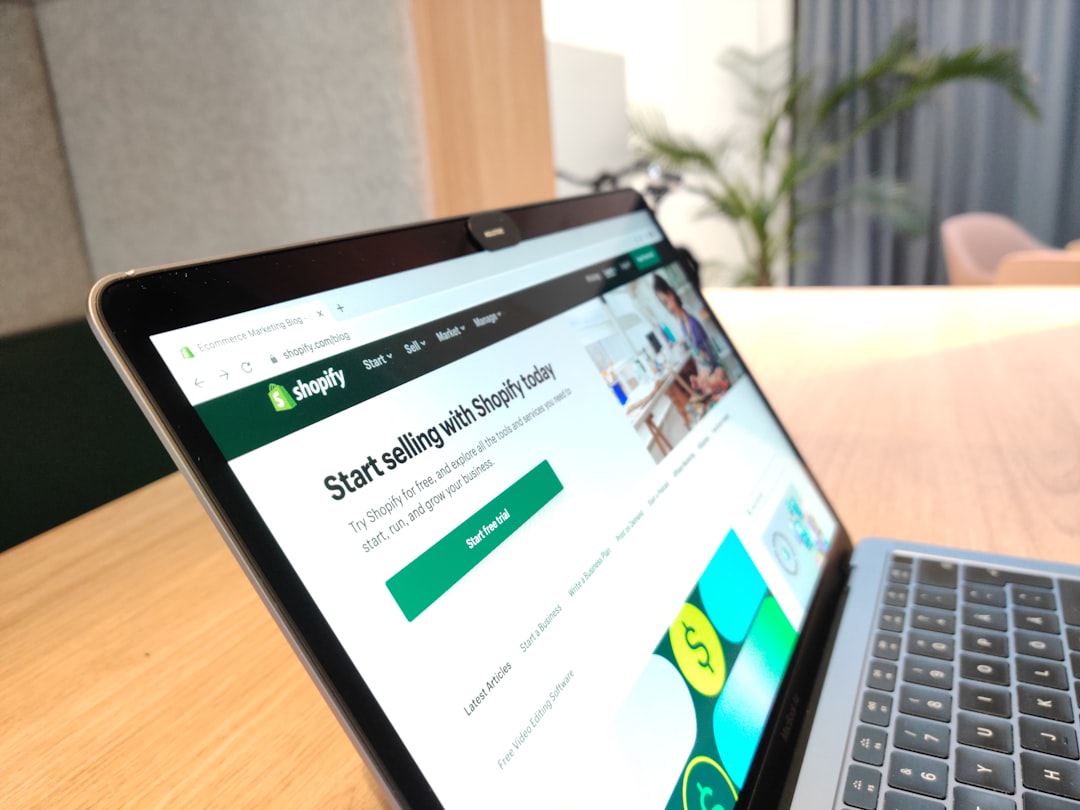
Why Selling Internationally With Shopify Is a Smart Move
If you're just starting out with eCommerce, you might think selling internationally is something reserved for big brands with huge budgets. The truth is, Shopify makes it surprisingly accessible for beginners to reach customers around the world — even in their native language.
Research consistently shows that shoppers are far more likely to buy when a store speaks their language. In fact, studies suggest that over 70% of consumers prefer to browse and purchase in their mother tongue. By setting up your Shopify store in a different language, you're removing a major barrier between your products and potential customers worldwide.
Understanding Shopify's Built-In International Features
Before diving into setup steps, it helps to understand what Shopify already offers out of the box for international sellers.
- Shopify Markets: This built-in feature lets you manage multiple regions from one dashboard. You can customize language, currency, pricing, and even domain settings per market.
- Multi-currency support: Shopify Payments allows you to display and accept payments in local currencies, which significantly boosts trust and conversions.
- Automatic currency conversion: Depending on your plan, Shopify can automatically show the right currency based on a visitor's location.
These tools are available on most Shopify plans, though some advanced features require higher-tier subscriptions. For beginners, even the basic setup can go a long way toward creating a professional international shopping experience.
Step-by-Step: Setting Up a Shopify Store in a Different Language
Here's how to get started, even if you have zero technical experience.
Step 1 – Add a New Language in Shopify
From your Shopify admin dashboard, go to Settings → Languages. Click "Add language" and choose the language you want to support. Shopify will generate a translated version of your storefront theme, but keep in mind that product descriptions, page content, and blog posts will still need to be translated manually or with a tool.
Step 2 – Translate Your Store Content
This is where many beginners get stuck. You have a few solid options:
- Manual translation: Best for accuracy and tone, especially for key pages like your homepage, product descriptions, and checkout flow.
- Translation apps: Apps like Translate & Adapt (free, by Shopify) or Langify can automate or assist the translation process. Translate & Adapt is a great starting point as it integrates directly with Shopify Markets.
- DeepL or Google Translate: Useful for drafting translations quickly, but always review them for natural-sounding copy before publishing.
Step 3 – Set Up Shopify Markets for Your Target Region
Go to Settings → Markets and create a new market for the country or region you're targeting. You can assign a specific language, currency, and even a subdirectory URL (like yourstore.com/fr for French) to each market. This setup also benefits your SEO, as search engines will index your translated pages separately for each region.
Step 4 – Configure Currency and Pricing
Under your Markets settings, enable local currencies. You can either let Shopify convert prices automatically or set manual prices for each region. Setting manual prices is recommended if you want to account for taxes, shipping costs, or simply round numbers that look cleaner in different currencies (e.g., €29 instead of €28.73).
Ready to start your Shopify store? Get 3 days free + 3 months for $1/month, plus a complete first-sales training — 100% free.
Start now — free training included3 days free · 3 months for $1/mo · Training included
Technical SEO Tips for Multilingual Shopify Stores
Going international isn't just about translation — it also means making sure search engines can find and rank your store correctly in each language.
- Use hreflang tags: These HTML tags tell search engines which version of a page to show based on language and region. Shopify Markets adds these automatically when you use subdirectory URLs.
- Optimize meta titles and descriptions per language: Don't just translate them word-for-word. Research keywords in the target language using tools like Google Keyword Planner or Ubersuggest.
- Avoid duplicate content: Make sure each language version has unique content. Shopify's URL structure (e.g., /fr, /de) helps search engines treat each version as a distinct page.
Common Beginner Mistakes to Avoid
Even with the right tools, a few common mistakes can hold your international store back.
- Relying 100% on auto-translation: Machine translations can sound awkward or even offensive. Always have a native speaker review critical content if possible.
- Ignoring local payment preferences: Some regions have popular payment methods beyond credit cards. For example, iDEAL is widely used in the Netherlands, while Klarna dominates in Sweden. Research your target market's preferences.
- Not localizing your customer service: If you can't offer support in the local language, make that clear upfront. Consider using a simple chatbot or FAQ page in the target language as a starting point.
- Forgetting about shipping and duties: Be transparent about international shipping costs and customs fees. Unexpected charges at checkout are one of the top reasons for cart abandonment.
Start Small and Scale as You Grow
You don't need to launch in ten countries at once. Pick one new market, set it up properly, test your traffic and conversions, then expand from there. Shopify's Markets feature makes it easy to add new regions as your store grows.
The key takeaway for beginners is this: selling internationally is no longer complicated or expensive. With the right Shopify setup, a bit of translation effort, and attention to your target market's preferences, you can start attracting and converting global customers faster than you might think.
Ready to start your Shopify store? Get 3 days free + 3 months for $1/month, plus a complete first-sales training — 100% free.
Start now — free training included3 days free · 3 months for $1/mo · Training included
Frequently Asked Questions
- Do I need a separate Shopify store for each language?
- No, you don't. Shopify Markets lets you manage multiple languages and regions from a single store, which saves you time and money compared to running separate stores.
- Is it free to add another language to my Shopify store?
- Adding a language in Shopify is free, and the Translate & Adapt app by Shopify is also free to use. However, some third-party translation apps may charge a monthly fee depending on the features you need.
- How do I handle taxes when selling to international customers?
- Tax rules vary by country. Shopify allows you to configure tax settings per market, but it's strongly recommended to consult a local tax professional or use a tax automation app like Avalara to stay compliant with each region's regulations.
